HT-S5910 - Playback - Basic Operations
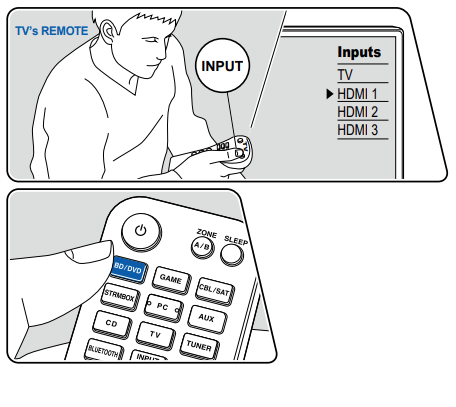
Perform the following procedure when this unit is on.
- Switch the input on the TV to the input connected to the unit.
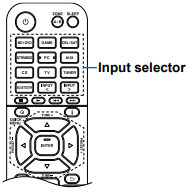
- Press the input selector whose name is the same as that of the jack to which the player is connected.
For example, press BD/DVD to play the player connected to the BD/DVD jack.
Press TV to listen the sound of the TV. - When the CEC link function works, the input switches automatically when a CEC compliant TV or player is connected to this unit using HDMI connection.
- Start play on the AV component.
Comments
0 comments
Please sign in to leave a comment.