HT-S3910 - ZONE B Playback
While performing playback in the main room (ZONE A), you can enjoy the audio of the same source in the separate room (ZONE B) at the same time.
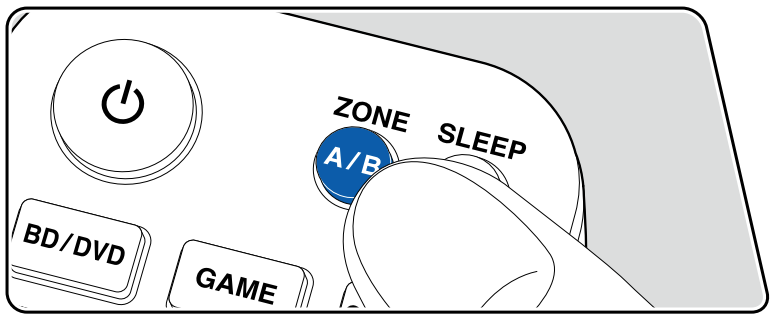
- Press ZONE A/B to select an audio output destination.
ZONE A: Outputs audio only to the main room (ZONE A). "A" on the display of the main unit lights up.
ZONE B: Outputs audio only to the separate room (ZONE B). "B" on the display of the main unit lights up.
ZONE A+B: Outputs audio to both the main room (ZONE A) and separate room (ZONE B). "A" and "B" on the display of the main unit light up.
- Start play on the AV component.
- If the unit is connected to the pre-main amplifier in the separate room, adjust the volume on the pre-main amplifier.
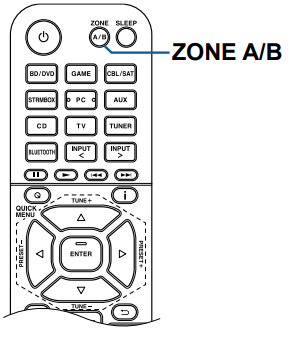
If "ZONE A+B" is selected as an audio output destination, you can select only the "Stereo" listening mode for the main room (ZONE A) when using the 2.1ch speaker layout. When using a speaker layout of 3.1ch or more, you can select only the "AllCh Stereo" listening mode.
Comments
0 comments
Please sign in to leave a comment.