TX-NR696 - AV Component Playback
Basic Operations
Perform the following procedure when the TX-NR696 is on.
1. Switch the input on the TV to the input connected to the unit
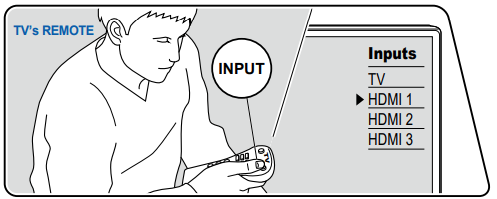
2. Press the input selector whose name is the same as that of the jack to which the player is connected.
- For example, press BD/DVD to play the player connected to the BD/DVD jack. Press TV to listen to the sound of the TV. Also, to play a device connected to the AUX INPUT AUDIO/HDMI jack on the front panel, press AUX.
When the CEC link function works, the input switches automatically when a CEC compliant TV or player is connected to this unit using HDMI connection.

3. Start play on the AV component
Comments
0 comments
Please sign in to leave a comment.